
What Is a 24-Hour IPTV Trial?
An IPTV trial provides temporary access to a service so you can evaluate it on your own device. If a provider offers a 24-hour trial, confirm exactly when it starts, what it includes, and when access expires. A free service trial does not necessarily mean every IPTV player or optional app feature is free. Review the terms before submitting information or activating access.
This Nigma TV guide explains how to evaluate a trial **if one is available**. It does not guarantee trial availability, complimentary activation, or a particular activation time. Contact Nigma TV to ask about trial options and confirm the current terms before planning your test.
A meaningful trial involves more than opening a channel for a few seconds. Check whether the app works with your equipment, whether the remote control feels intuitive, and how streaming performs at the times you normally watch. Identify the questions you want answered beforehand so a successful first connection is not mistaken for a complete evaluation.
Why Test IPTV on Your Own Setup?
A device compatibility list is a useful starting point, but it cannot account for every TV model, software version, app edition, or home network. A trial can reveal how those parts work together at a particular moment. This is especially helpful if you have never configured an IPTV player or entered account credentials using a TV remote.
Try everyday tasks, not just video playback. Can you find the channels you want? Is the sound working correctly? Is the electronic program guide readable from your couch? If others in your home will use the service, let them try the same tasks. A technically experienced person may overlook steps that are confusing for everyone else.
Decide What You Need to Learn
Write down your priorities: device compatibility, picture quality, channel navigation, favorites, guide accuracy, and total cost. Keep a separate list of things a short trial cannot prove, such as long-term reliability and distribution rights. A trial informs a buying decision; it does not replace checking the provider or reading the terms. Our IPTV buying guide explains those other checks.
How Do You Request an IPTV Trial?
First, ask whether a trial is currently available for your device and the service you want to evaluate. Share your TV or streaming-device model, operating system, and preferred player if you already have one. Ask about the trial duration, activation process, available content, and number of simultaneous connections. A guide about 24-hour trials does not establish that a particular provider currently offers one.
Find out whether payment details are required, whether any charge could follow the trial, and what happens when it expires. Do not assume that access automatically ends or automatically renews. Ask whether you need a separately licensed player: a service trial and an app purchase can have different terms.
- Is a trial currently available for my exact device?
- What are the confirmed start and end times?
- Which features and how many simultaneous streams are included?
- Are there any app charges, trial fees, or payment details required?
- Will access end automatically, and what are the next steps if I want to subscribe?
Keep the provider's response so you can check what was agreed. Use ASK ABOUT A TRIAL to contact Nigma TV. This link opens the contact page; it does not instantly activate a trial.
Prepare Your Device Before the Trial Starts
Check your device and choose a compatible player before temporary access begins, if the trial terms allow you to prepare in advance. Otherwise, you might spend much of your testing window looking for an app your television does not support. Note your device model and app version, and check that the internet connection works where you will actually watch.
Use the login method supplied for your account. An M3U playlist usually uses a complete playlist link, while an Xtream-compatible login generally uses separate fields for the server address, username, and password. The player must support the method you receive. Enter credentials carefully, and never paste confidential account details into an unknown online conversion tool.
Start With the Basics
After the playlist or account synchronizes, open one authorized stream. Check picture and audio before spending time organizing categories. Let the channel list finish loading, add a favorite, then close and reopen the app to see whether your settings remain saved. Our IPTV setup guide and device-specific tutorials can help. A trial is not a reason to disable device security or install software from an untrusted website.

What Should You Test During an IPTV Trial?
Use a short, practical test plan instead of switching randomly through dozens of channels. Choose features you expect to use after subscribing. Check live TV, the program guide, search, and favorites. Watch content with different types of motion and audio when available. A longer viewing session offers more information about stability than repeatedly opening and closing menus.
| Feature | Practical test | What to record |
|---|---|---|
| Installation | Add an account and reopen the app | Whether settings and access remain saved |
| Navigation | Search, save a favorite, and return to a channel | Any confusing steps |
| Video and audio | Watch the same stream for an extended period | Interruptions, sound, and visible quality |
| Program guide | Check current and upcoming programs | Coverage and correct times |
| Network | Watch during your usual viewing hours | Wi-Fi or Ethernet and other network activity |
Separate Observations From Conclusions
For example, write that a stream did not freeze during your specific test. Do not claim that it will therefore never buffer. Record what you did not test as well. These notes make your evaluation more useful and prevent a short successful session from becoming an exaggerated assessment of the whole service.
Check Smart TV Compatibility During the Trial
On Samsung and LG televisions, check the app store on your exact model. App availability varies by operating system, model year, software version, and region. A trial account cannot make an unsupported app compatible. If the suggested player is unavailable, ask about a suitable alternative before starting the trial.
Test more than login. Check the on-screen keyboard, remote-control navigation, and whether favorites survive a restart. A television may play video well but struggle with a large guide or complex channel list. These details can determine whether using the built-in TV app is comfortable every day.
If an external streaming device turns out to be necessary, include its purchase cost in your decision. Avoid rushing into buying hardware during a short trial until you understand what problem it would solve. See our Smart TV installation guide for compatibility checks and the differences between built-in TV apps and HDMI streaming devices.
Test Android TV and Fire TV Stick
On Android TV or Google TV, make sure the player is designed for television use and works with your remote. A phone app that happens to launch on a TV may not be practical to use. Record your device and player versions so you can identify the same configuration later or describe it accurately to support.
For a Fire TV Stick, check the exact device generation and the player's current installation instructions. An app being available on one Android device does not prove that it can be installed in the same way on Fire TV. Prefer trusted sources, and do not share your credentials with strangers offering remote activation.
Compare Devices One at a Time
First ask how many simultaneous streams the trial permits. If it allows only one, close the first session before testing another device. Otherwise, an account limit can look like an app failure. When possible, use the same stream and comparable network conditions. The Android TV setup guide helps with basic installation.
Evaluate Picture Quality During a Trial
Look at fine details in text and faces, fast camera movement, and dark scenes. Check audio synchronization and subtitle readability when supported by the source. A resolution label alone is not a complete quality measurement: compression, original content, and your device's processing also affect the result.
Begin with the display settings and viewing distance you ordinarily use. Avoid changing multiple options while you are still checking whether playback works. If different quality versions are available, compare them and record which you watched. They may originate from different sources, so a stability difference is not automatically caused by resolution alone.
Check Everyday Actions Too
Change channels, return to a favorite, and reopen the player. Note how responsive the interface feels, without presenting that impression as a formal benchmark. Short written notes are usually enough; do not record or redistribute protected content without permission.
Include Your Internet Connection in the Test
Test during the hours you normally watch. A quiet afternoon may not represent a household where several people stream or download in the evening. Record whether you use Wi-Fi or Ethernet and what else is happening on the network. Measure performance near the actual streaming device, not only beside the router.
If playback stutters, try a second authorized stream in the same app. Where practical, compare Wi-Fi with a wired connection without changing other settings. A speed test is helpful, but it usually reaches a different server than your streaming service. A high speed-test result does not prove that every internet route is stable.
Use our IPTV buffering troubleshooting guide for a deeper diagnosis. If a local connection problem made the trial difficult to assess, explain the situation and ask what options exist; do not assume that an extension will be granted.
What Can't a Trial Prove?
A successful trial shows that a particular setup worked during a limited period. It cannot guarantee that every channel will remain available, that a service will behave identically for months, or that future support experiences will match the first interaction. Network conditions and source loads can change.
A working stream also does not establish distribution rights. Ask who provides the programming and whether the provider has the appropriate rights for the content offered in your region. An app license or trial account is not evidence of that permission. This guide does not independently verify the rights of Nigma TV or any other provider.
Keep Three Types of Uncertainty Separate
- **Not tested:** Features you did not check during the available time.
- **Not confirmed:** Prices, terms, or other details the provider has not clarified.
- **Not predictable:** Future network behavior and long-term service availability.
Recording those limitations makes your decision more informed. Our guide to evaluating IPTV reviews explains how to consider other people's experiences with the same care.
What Happens After the Trial Ends?
Check the terms confirmed before the trial began. Access might end without further action, or a provider could require a separate step for paid service. Never assume either outcome. If you supplied payment details, review any consent you gave and the procedure for avoiding an unwanted charge under the applicable terms.
If you choose to subscribe, compare current durations, total prices, simultaneous streams, and support terms. A paid plan may differ from the trial in what is included. Ask whether you can keep the same player configuration or will receive new credentials. Avoid paying for a second app license when you only need to update your service account.
If you decide not to continue, remove unused account access from your player and retain only records needed for your own administration. Do not distribute trial credentials to others. For current Nigma TV plans, visit VIEW IPTV PLANS. The pricing page does not itself guarantee trial availability.
Common Mistakes When Testing IPTV for Free
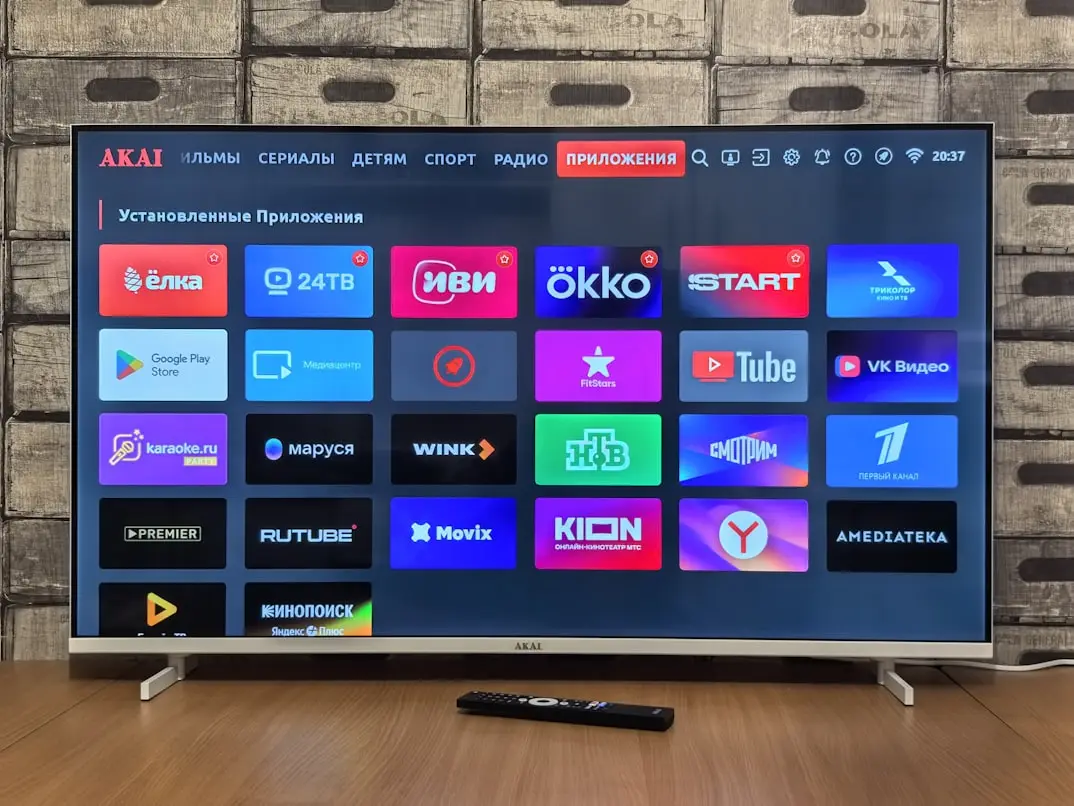
One of the biggest mistakes is failing to record what happened. After a short trial, people often remember only the best or worst moment while forgetting important context. Keep brief notes of the device, player, connection, testing time, and a few concrete findings.
- Assuming a free trial is available without checking with the provider.
- Starting temporary access before finding a compatible player.
- Testing multiple devices simultaneously without checking connection limits.
- Watching only during quiet hours instead of your normal viewing time.
- Confusing app purchase costs with service subscription costs.
- Treating successful playback as proof of content rights.
- Accepting unclear renewal or billing terms because the first stream worked.
Avoid Rushed Decisions
A short testing window should help you gather information, not pressure you into buying with unanswered questions. If installation problems prevented a meaningful test, describe them and ask about the options. Do not assume that the provider will automatically issue new access. Clear terms are more valuable than a decision based on an incomplete test.
Frequently Asked Questions About IPTV Free Trials
Does Nigma TV Guarantee a Free 24-Hour Trial?
No. This guide does not confirm a standing, guaranteed free 24-hour trial. [Contact Nigma TV](/contact) for current availability, duration, features, and terms. No immediate access or activation time is promised here.
Is a Free Player Trial the Same as a Free IPTV Trial?
No. A player trial concerns software features. Temporary access to a streaming service is a separate arrangement. Check the conditions for both; opening a player app does not automatically include channels.
When Does a Trial Start?
That depends on the provider and the confirmed offer. Ask for exact start and end times before making plans. Activation methods and durations can differ between offers.
Can I Use Multiple TVs During a Trial?
Only if the trial terms and simultaneous-stream limit allow it. With a single permitted connection, test devices one after another. Saving the same login on multiple players does not automatically authorize concurrent viewing.
What If IPTV Buffers During the Trial?
Record the stream, device, connection type, and time. Compare another authorized stream and, if possible, Ethernet under similar conditions. Contact support with those observations. One interruption does not by itself establish the cause.
Do I Have to Subscribe After the Trial?
Review the exact terms you accepted. Do not assume automatic renewal or automatic cancellation without checking. Choose a paid plan only when pricing, billing, and any future obligations are clear.
Use a Trial to Make an Informed Decision
Confirm current availability and conditions before starting. Prepare a compatible device, then test installation, navigation, picture quality, program guide, and connection during your normal viewing hours. Record what you could not check as well as what worked. A trial can help you make a more informed decision without promising more than it can demonstrate.
To discuss your options, ASK ABOUT A TRIAL. This link does not guarantee free access. To compare subscription durations and screen options, VIEW IPTV PLANS and confirm the current terms before ordering. Practical testing and clear service information are equally important.