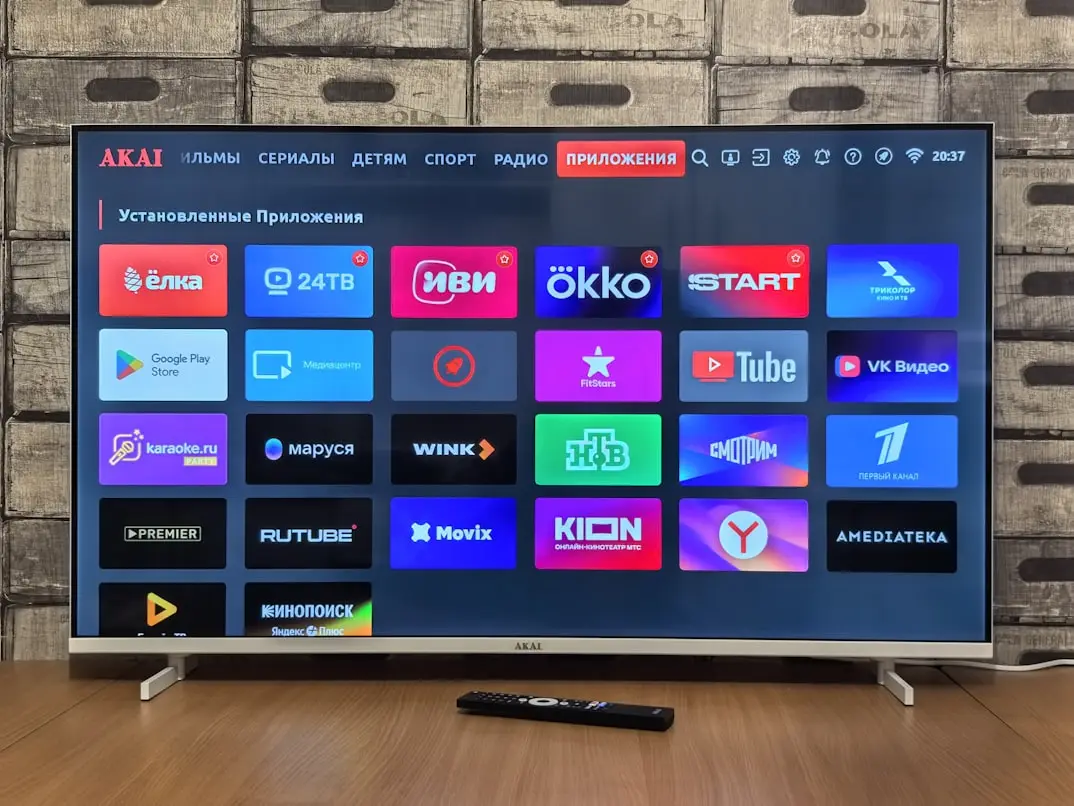
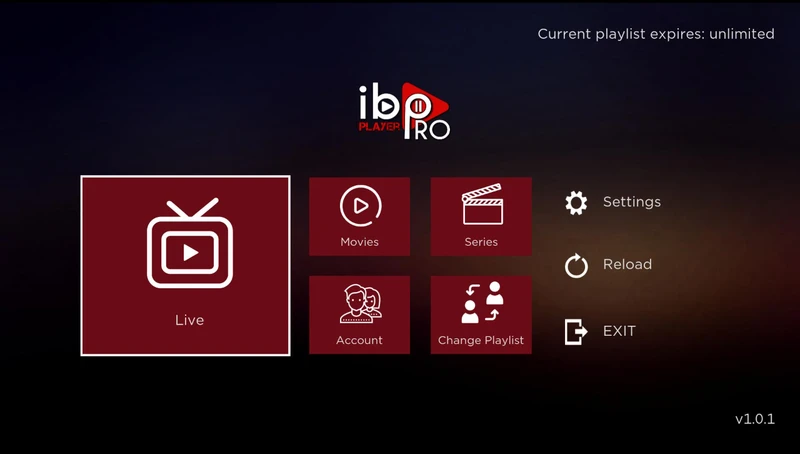
What Is an IPTV Player?
The best IPTV player is the app that works on your device, accepts your authorized access details, and is easy to use every day. There is no universal winner for every TV or household. Start with device compatibility and login method, then compare navigation, the program guide, and potential fees. An unfamiliar app with big promises is not necessarily better than a simple, well-supported player.
An IPTV player is software that opens media streams and often organizes them into channels, categories, and an electronic program guide (EPG). You provide access separately. An app may show movie or TV-show sections even when no content is included. A menu alone does not tell you what you can access or what the provider is licensed to distribute.
This guide compares IPTV Smarters Pro, IBO Player Pro, and TiviMate using practical criteria. Product names, editions, and app-store listings require care: similarly named apps may come from different developers. We have not performed standardized performance benchmarks, and we do not claim that any of these developers is an official Nigma TV partner. This is a decision guide, not a laboratory ranking.
IPTV App vs. IPTV Subscription
An app license pays for player software or its features. An IPTV subscription pays for access to a service. They can be separate purchases from different companies. Before paying, verify what is included, which devices the purchase covers, and who provides assistance if something goes wrong. A premium player does not automatically include live channels.
The distinction helps with troubleshooting. If an app crashes or a button fails, the developer may be the appropriate contact. If a service rejects your credentials or omits an agreed feature, contact the subscription provider. Network failures may be outside either company's control. Start by describing the actual problem clearly.
Three Checks Before You Buy
- Confirm that the app supports your exact device model and operating system version.
- Confirm that the app accepts the login or playlist method you will receive.
- Check app fees, subscription costs, and their separate terms.
For more on selecting a provider, read our IPTV buying guide. Paying for an app, seeing positive store reviews, or completing a working trial does not by itself establish that the underlying streams are licensed. Assess content rights separately before choosing a longer subscription.
Which IPTV Player Features Matter Most?
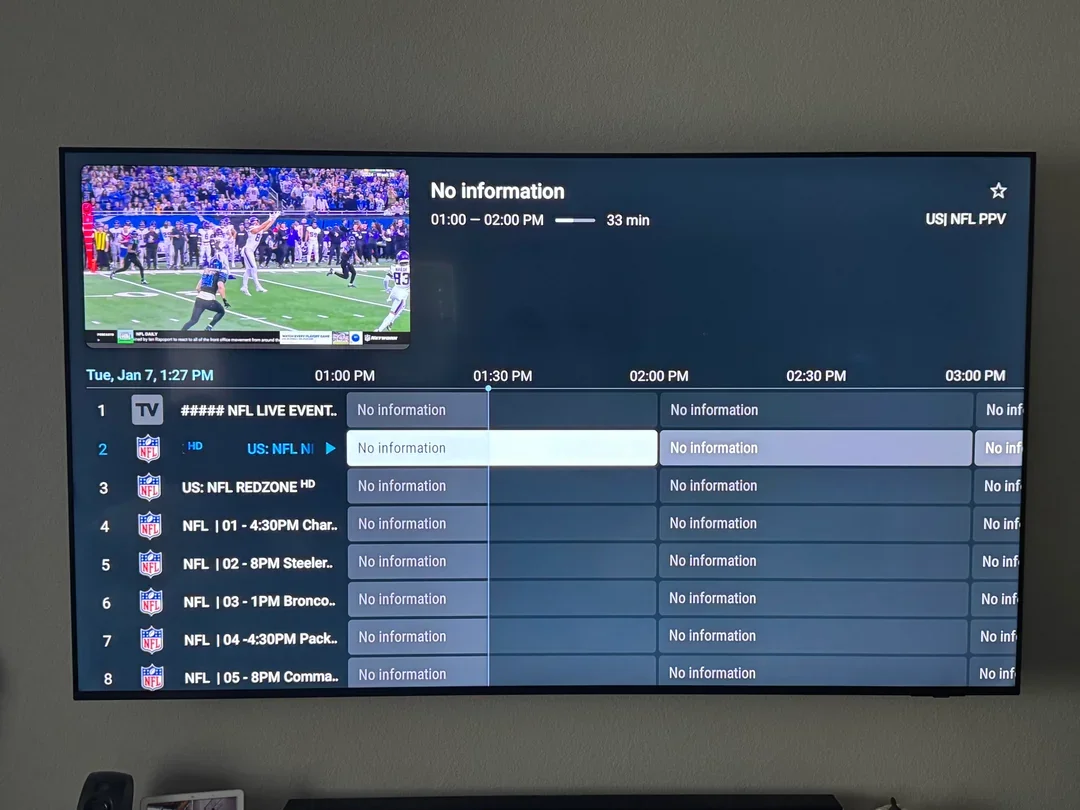
A clear channel list, useful search, and easy-to-manage favorites matter more to many households than dozens of settings. Try these functions with the remote control you will actually use. A polished touchscreen interface can be awkward on a TV when small controls are difficult to navigate without touch.
Next, evaluate the EPG. Does the app display available guide data, and are program times readable? A player cannot supply information missing from the source. Check subtitles, audio-track switching, and legibility from your couch when the streams support those functions. Make a list of essential features before comparing extras.
Advanced Features Come With Conditions
Recording, catch-up TV, and viewing multiple streams at once depend on more than an app button. Source availability, account terms, device performance, and storage also matter. Multiple simultaneous pictures may use multiple connections. Check what your subscription permits before testing. Parental controls should be tested too: hiding a category is not necessarily the same as securing it with a PIN.
IPTV Smarters Pro: Check the Exact Edition
Searches for IPTV Smarters Pro may return different names, editions, and websites. Use the Smarters Pro website and the listing on your device to confirm the publisher and supported platforms. Features may differ by version, and an app with a similar name is not necessarily from the same developer.
The player software itself is separate from a content subscription. Keep that distinction in mind when a third party offers a combined package. Similar branding does not demonstrate a partnership with the developer. Before entering your credentials, confirm which login methods your specific app version supports.
When Might Smarters Be a Good Fit?
Consider it when a supported version is available for your device and its login method matches your subscription. Test opening a channel, returning to categories, saving favorites, and finding the guide. Consider whether the interface is understandable to everyone using the TV. An app name used across platforms does not mean settings or purchases automatically transfer between them; read the conditions for your exact version.
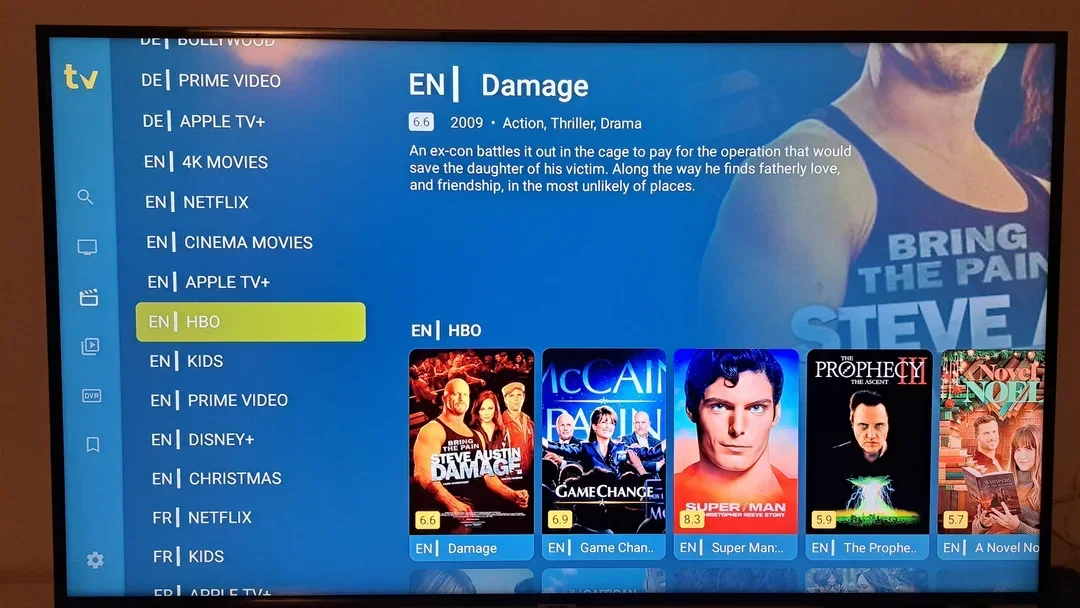
IBO Player Pro: App Identity, Devices & Activation
With IBO Player Pro, pay particular attention to the exact app and publisher. App stores may contain similarly named products from different developers. Compare the developer details and support site shown within the installed app before uploading a playlist or paying an activation fee. A familiar logo is not enough to establish that two listings are the same product.
Check how your chosen edition adds a playlist. If it uses a device code and management website, follow only the verified instructions supplied by that app. Find out which details are required, how to update them, and how to remove a device association. Avoid posting device codes publicly when requesting help.
How Should You Evaluate IBO?
Check that your authorized source can be added, that categories remain organized, and that basic tasks work smoothly. Before activation, review the current license terms and available input methods. This article does not claim a universal price, free-trial period, or feature set for every app using the IBO name. If official information for your edition is unclear, resolve that question before paying.
TiviMate: Designed for TV Remote Controls
TiviMate is known as an Android TV-oriented IPTV player. Its app listing describes functionality such as playlist support, an EPG, and favorites. Check the current developer listing and supported input methods—including M3U, Xtream-compatible login, or Stalker Portal where offered—on the version available to your device. Some functions may require a premium purchase.
TiviMate does not itself provide a content subscription. Buying extra app features is not the same as buying TV access. Its focus on remote-control navigation is useful context, but it does not guarantee compatibility with every Android-based box or every stream format.
What Should You Test?
Add one authorized playlist and inspect the guide. Search for a channel, save a favorite, and navigate back with the remote. Can you find the everyday functions without repeatedly opening a manual? Some users enjoy extensive customization; others prefer a simple default layout. We have not measured a guaranteed speed advantage for TiviMate, and its feature list does not guarantee less buffering.
Check Compatibility by Device
Start with the operating system, not just the TV brand. Samsung Tizen, LG webOS, and Android TV have different app ecosystems. An Android APK is not a universal solution for Tizen or webOS. Model year, firmware, and region also matter. An app available on a newer TV may not be available on an older one.
For Fire TV Stick, check your exact device generation and the developer's current instructions. Android TV support does not automatically mean an identical Fire TV app listing is available. Remote-control support, storage, and video formats matter as well. Avoid unknown download sites just because their search result mentions your device.
| Device environment | First thing to check | Practical consideration |
|---|---|---|
| --- | --- | --- |
| Samsung or LG Smart TV | App store on your exact TV | Edition, region, and login support |
| Android TV or Google TV | TV version of the player | Remote and OS compatibility |
| Fire TV Stick | Developer instructions for your generation | Availability and free storage |
| Phone or tablet | Supported mobile edition | Touch interface and possible separate purchase |
| Windows or Mac | Supported desktop version | Navigation, audio, and safe installation |
If these three players do not support your setup, another legitimate player from the official app store may be suitable. Compare it with the same criteria rather than choosing solely by name.
M3U and Xtream Codes: What Must Your Player Support?
M3U uses a playlist file or full URL that points to media sources. Xtream-compatible login usually uses separate server, username, and password fields. The method is useful only if both your provider and the particular player version support it. Do not paste every URL you receive into a server-address field.
Before installing, confirm which details you will receive. For a complete M3U URL, check whether the app accepts that format. For separate account credentials, use the corresponding login option. Avoid public websites that offer to convert credentials between formats, as doing so may expose private access information.
Consider Playlist Maintenance Too
A useful player should make both the initial import and later updates understandable. Check how playlists refresh, how to remove outdated profiles, and whether favorites can be retained. Record the procedure while the setup is still fresh. If the provider updates a server address, you do not want to guess which of several similar profiles is active.
Understanding Potential App License Fees
Read current prices in the genuine app or on the verified developer's site. Pricing can vary by platform, location, payment method, and edition. This comparison deliberately does not present one price as universal. Check whether payment is one-time or recurring and how many devices the license covers.
Also check what happens if you replace your TV or streaming box. Is the purchase tied to a store account, the device, or a separate license? Can it be reactivated? Keep receipts and check your existing account before paying again for software you may already own.
Compare the Full Cost
Add potential player fees to service and hardware costs. A cheap app that requires an expensive new box may not be your least expensive option. A separate box can still make sense if the TV's built-in app platform is no longer supported. Evaluate the complete setup and pay for premium player features only when the benefits and terms justify them.
Test Usability With Everyday Tasks
Ask the person who watches TV most often to try the app without constant guidance. Have them find a channel, save a favorite, open the guide, and return to playback. This reveals confusing steps that an experienced user might unconsciously compensate for.
Look at text size, contrast, and the behavior of the Back button. Does the app return to the previous channel or playlist predictably? Test again after closing and reopening the app. A setting that works only during the first session may still be inconvenient in daily use.
Support Is Part of Usability
Can you locate settings later, and does the documentation match your installed version? Clear help matters when a playlist needs refreshing or a password changes. Families may value simplicity over advanced options; enthusiasts may prefer deeper customization. Write down what matters to your household before letting an impressive home screen make the decision for you.
Practical IPTV Player Comparison
This table is a shopping and setup checklist, not a laboratory benchmark. It separates details to investigate from what must be confirmed on your own device. Similar app names should always be checked against their actual publishers. Network or provider performance is not represented as an app performance score.
| Criterion | Smarters Pro | IBO Player Pro | TiviMate |
|---|---|---|---|
| --- | --- | --- | --- |
| Starting point | Verify official platform information and publisher | Identify the exact edition and developer | Check the current Android TV listing |
| Login | Confirm supported methods for your edition | Confirm how your edition imports playlists | Verify M3U, Xtream, or Stalker options in the current version |
| Device support | Check platform, model, and region | Do not infer support from a similar name | Designed primarily for TV navigation on supported Android devices |
| Everyday tasks | Test lists, favorites, and navigation | Test device pairing and list management | Test EPG and remote control |
| Costs | Review feature tiers and purchase terms | Review activation and device-binding terms | Review current premium terms |
| Included content | Player does not include a TV subscription | Do not assume content is included | Player does not include a TV subscription |
For a fair comparison, use the same authorized stream source and test apps one at a time. Close the earlier session if your account permits only one concurrent connection. Otherwise, differences in server conditions or simultaneous use can distort the results.
Which IPTV Player Fits Your Household?
First, shortlist apps that support your exact hardware. For Samsung or LG TVs, start in the built-in app store. For Android TV, investigate TV-oriented players. For Fire TV Stick, check app support and instructions for that generation. Eliminating incompatible choices first saves time.
Choose Based on Essential Tasks
For straightforward live viewing, prioritize a clear channel list, reliable navigation, and understandable settings. For extensive organization, look at favorites and category management. If subtitles or parental controls matter, test them using your own authorized streams. Record what is confirmed and what remains uncertain.
Do not declare a winner while an essential question remains unanswered. Ask for clarification or use a legitimate app trial under its actual terms. A technically capable player that confuses other family members may not be the best choice. Our guide to evaluating IPTV reviews can also help separate opinions from features you can actually test.
Setup Tips That Save Time Later
Begin with one profile and give it a recognizable name. Keep credentials private and note the player version. After importing a playlist, test video, sound, the guide, and whether settings survive an app restart. Customize the interface only after the basics work.
- Check your device, software, and verified app publisher.
- Confirm input methods and possible license costs before paying.
- Enter one set of valid credentials without sharing them publicly.
- Test a small sample of permitted streams and the program guide.
- Verify favorites and remote-control usability.
- Keep purchase receipts and a secure record of the setup.
For device-specific instructions, see our Smart TV setup guide or Android TV setup guide. Those articles cover installation separately from choosing an app. Editorial screenshots illustrate interfaces but do not replace the current instructions for your own software version.
Frequently Asked Questions About IPTV Players
Which IPTV Player Is Best for Everyone?
There is no universal winner. Device compatibility, login method, everyday usability, and cost all matter. Shortlist supported players and test them with the same source and your own remote.
Does Buying a Premium Player Include TV Channels?
No. A premium purchase may unlock software features only. Check your content subscription separately, including who supplies it and what its terms cover.
Can I Install TiviMate on Every Smart TV?
No. TiviMate primarily targets supported Android TV environments. Samsung Tizen and LG webOS use different app ecosystems. Check your model and consider a compatible external device if needed.
Why Do Several Apps Have “IBO” in Their Names?
Similar names can belong to different developers. Check the publisher, verified support information, and terms of the exact app on your device. Do not assume another listing's prices or features apply.
Will Switching Players Fix All Buffering?
No. A different app may solve a compatibility problem, but the network, source, and device still affect playback. Test one change at a time. A better interface is not the same as proven improvement in video delivery.
Can I Test Multiple Players With the Same Subscription?
Check how many concurrent connections are allowed. With one connection, test sequentially and close the previous session. Keep credentials private and remove unused profiles once you choose your player.
Choose the Right Player, Not an Unproven Winner
Check your hardware, the exact app edition, and the necessary login method. Then compare the functions you will actually use, licensing terms, and remote-control experience. A short hands-on test on your own setup is more informative than a generic claim to be the fastest or best.
If you are also choosing a subscription, VIEW NIGMA TV PLANS and contact support with your intended device and player details. This comparison does not claim a partnership with any app developer or verify a specific service's content rights. It is designed to help you make a clear, practical choice for your household.